
Dine-in, by QR code
Guests order when they are ready — no waving down a server.
- Scan QR at the table
- Browse Menu with photos and prices
- Place Order in a few taps
- Track Live dish by dish
No app download or account needed — scanning the QR is enough.
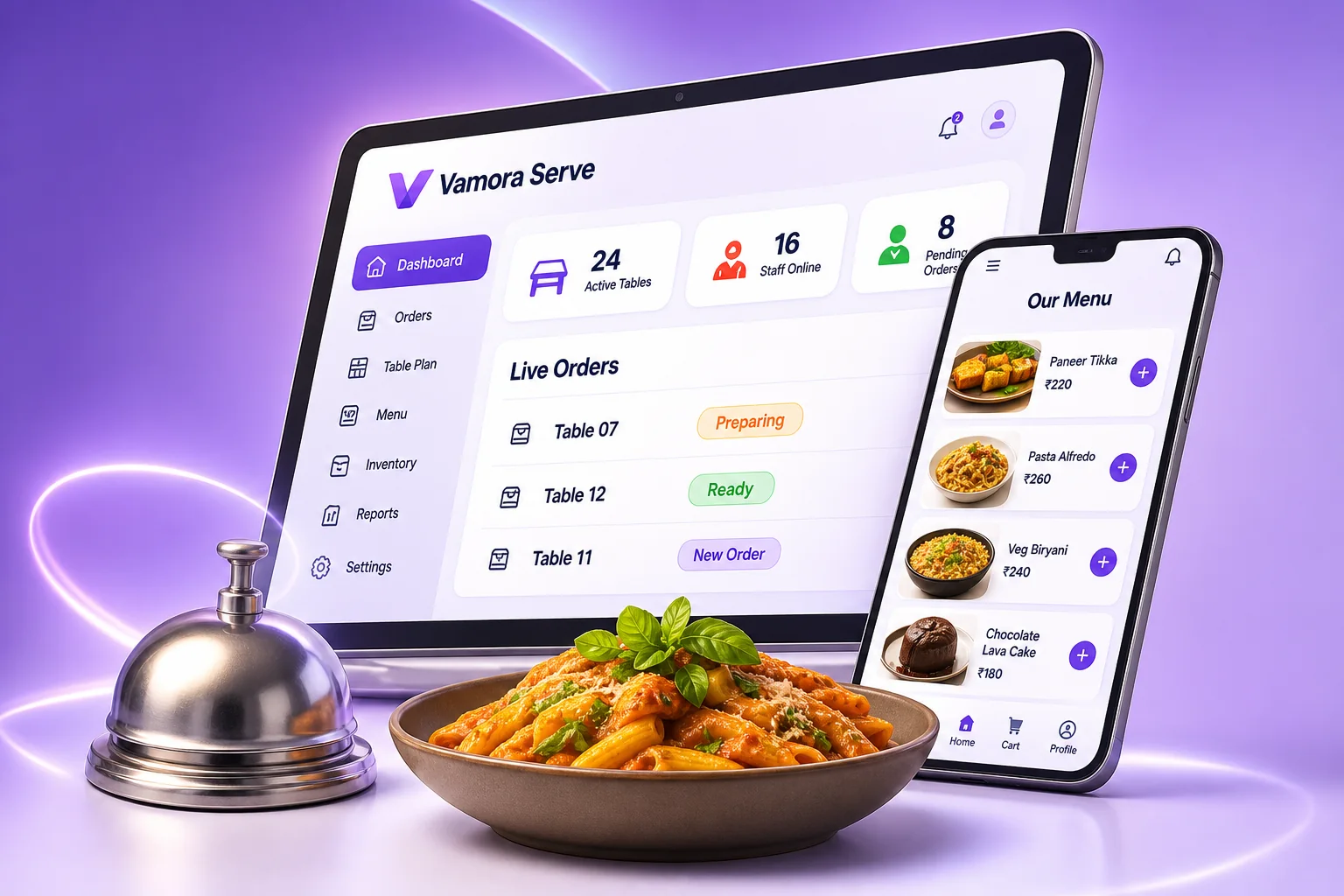
Vamora Serve — for cafés, restaurants and pubs
Guests scan the QR code on their table and order from their phone, or order delivery from your own link. Every order lands on one live board. We build it, host it on your domain and run it for one flat fee — never a cut of your orders.
For cafés, restaurants, pubs and hotel in-room dining: every order arrives on screen, where nobody can mishear it.
Guests scan the table’s QR code, order from their phone and follow each dish as the kitchen updates it.
Share one link anywhere, or print its QR code on a flyer. Checkout asks only for a name, phone and address.
Every table and delivery order on one screen, with one-tap buttons from Prepare to Mark Paid.
Edit dishes, prices, photos, tables and delivery rules from your own control panel, in any browser.
Each sale takes stock off and each cancellation puts it back. Low stock shows on the board.
Set up tables by area, such as Rooftop 1 to 5, or set up rooms for hotel in-room dining.
Dine-in and delivery share one menu, one live board and one billing history.
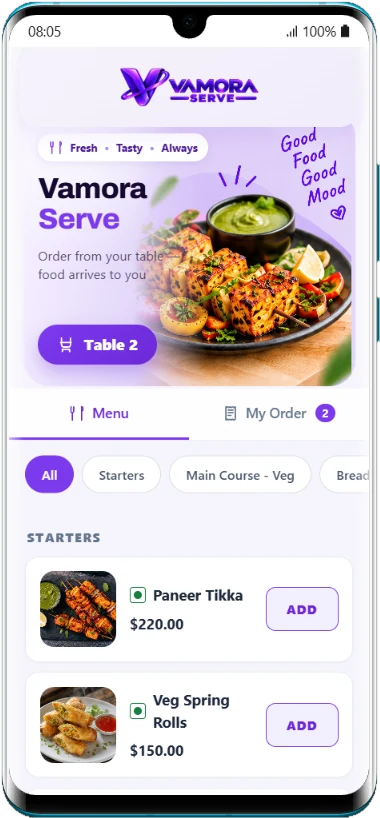
Guests order when they are ready — no waving down a server.
No app download or account needed — scanning the QR is enough.
Customers order inside your hours and your delivery areas.
No customer account or app download required.
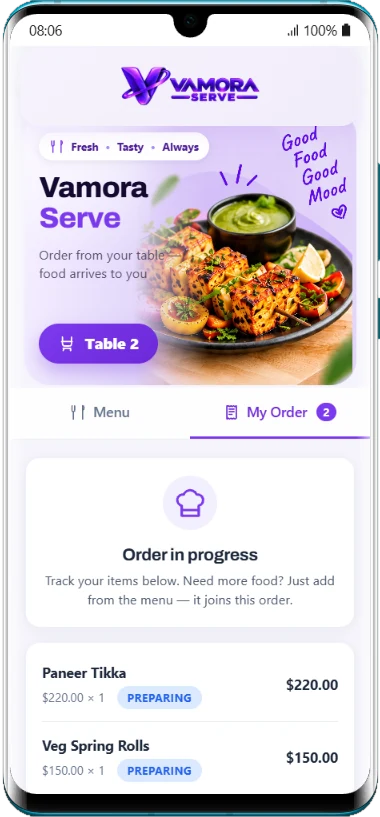
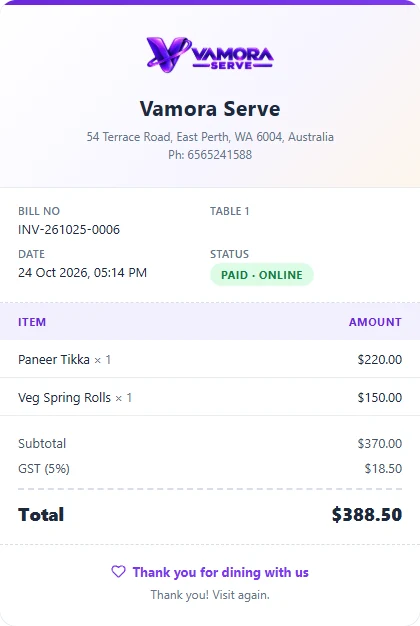
Real screenshots and a printed table card from Vamora Serve, not mock-ups.


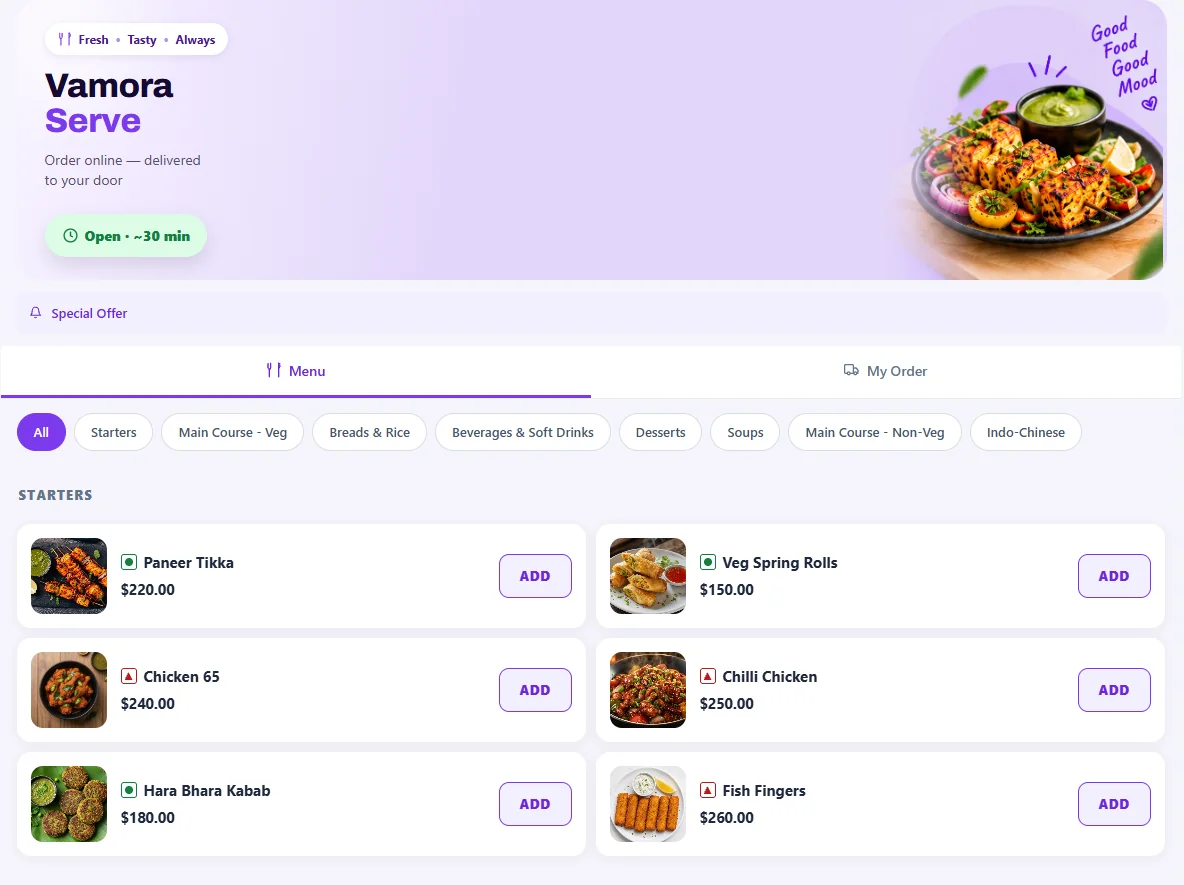
Customers browse by category and order from your own link, with no app or account.
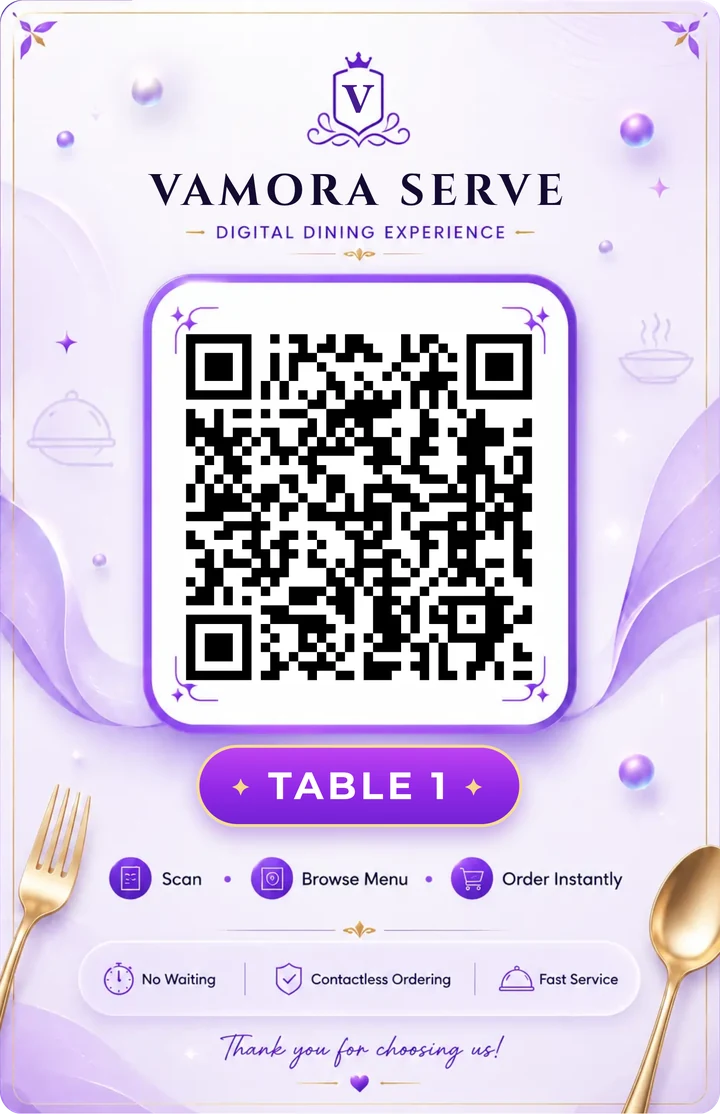
A branded card for every table or room, printed from your browser at no per-code cost.
Each step shows on the guest’s phone and on your board. Nobody chases an order.
Guests scan the QR code on their table.
Photos, prices and what’s out of stock.
It lands on your live board with a chime.
Staff tap Prepare and the guest sees it.
Guests pay at the counter or by bank transfer; staff confirm it.
Pick how often you pay. Every plan includes setup on your own domain, hosting, support and updates, invoiced ahead and paid by bank transfer.
Everything your restaurant needs to run beautifully.

₹2,999
for 2 months
+ Complete Installation
New connections only
₹6,999
+ ₹2,999 one-time installation for new connections, first 2 months included
Most popular
₹11,999
+ ₹2,999 one-time installation for new connections, first 2 months included
Best value
₹19,999
+ ₹2,999 one-time installation for new connections, first 2 months included
On every plan: + ₹2,999 one-time installation for new connections, first 2 months included. Refund & Cancellation policy
What’s
Included?
The checks that run under every order, on the busiest night of the week.
Managers run the board. Only your admin changes prices, stock and settings.
A chime, a browser notification and an on-screen note for every new order. A five-dish delivery alerts once.
If two guests order the last portion at once, exactly one order goes through.
Lost a table card? Regenerate its code and the old one stops working.
Prices, fees and delivery times lock when quoted. Later edits never alter a bill.
You set hours, areas, fees and minimums. Pause new orders mid-rush.

You see the limits before you pay, not after.
FAQ
Straight answers before you buy.
No. Dine-in guests scan the table’s QR code and order. Delivery checkout asks only for a name, phone and address, then gives a private tracking link.
Not yet. Guests pay at the counter or by bank transfer, and your staff confirm it on the board. Card payment at the table is on our roadmap.
Yes. Set weekly hours, including closed days and late nights past midnight. Managers can also pause delivery from the live board without changing them.
Yes. Each venue gets its own menu, tables and orders, with one dashboard over all of them. Extra venues are quoted per venue, based on menu size — talk to us.
No. Setup is paid once. After that you pay only your plan, on an invoice by bank transfer that we send ahead of time. Nothing is charged automatically, and you can change plan or stop renewing from your account.
Yes. We export the database and hand it over, and your domain is already registered in your name. The site goes offline after 14 days unpaid.

Live within 4 business days of your completed setup form, with a private preview to check before launch.
Get Started